Build a simple PDF viewer application using PDF4NET.View controls for Windows Forms
-
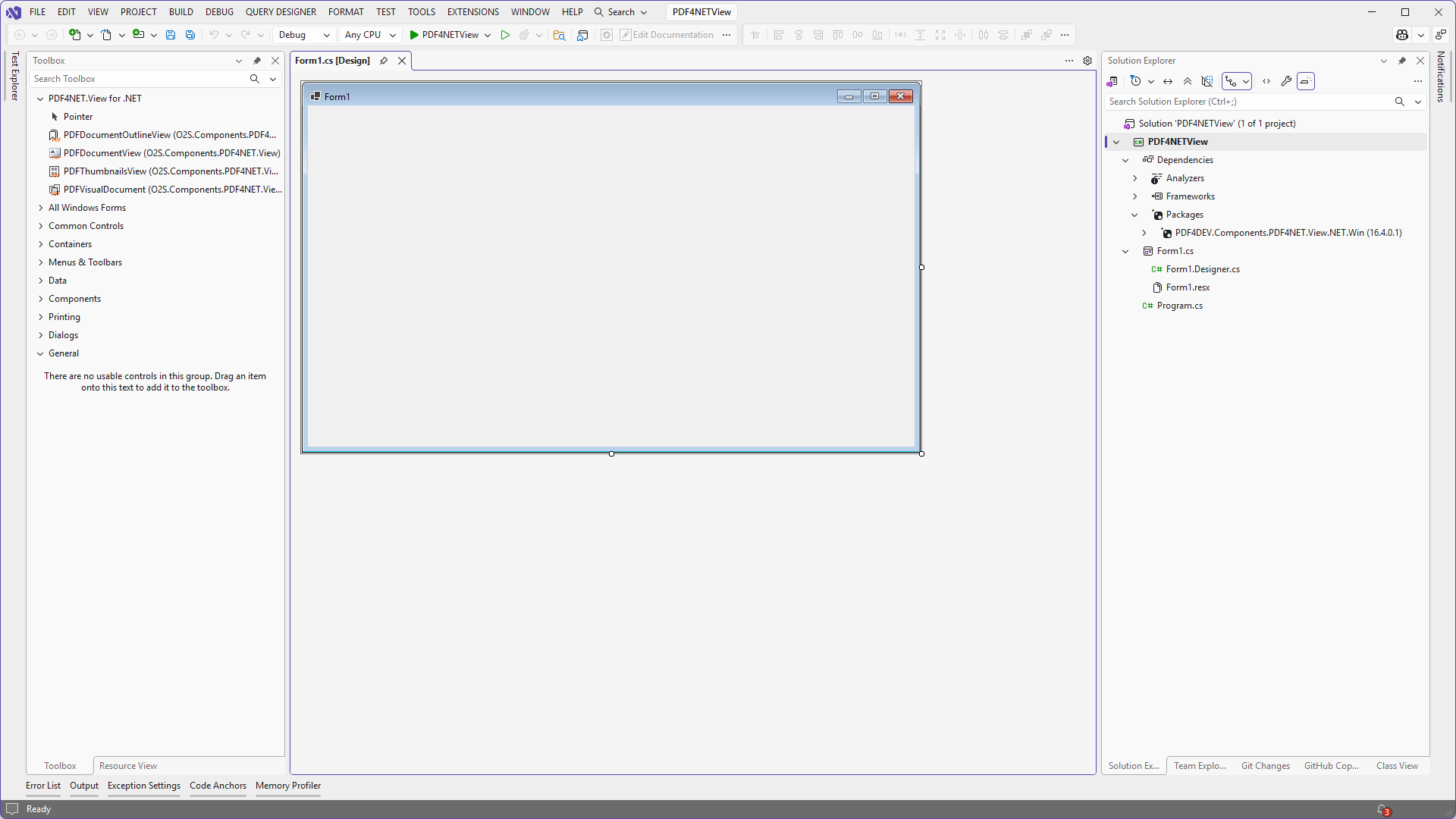
Create a new Windows Forms application and open the main form in the Windows Forms designer.
-
Drag a
PDFDocumentViewcontrol and aPDFVisualDocumentcomponent onto the form.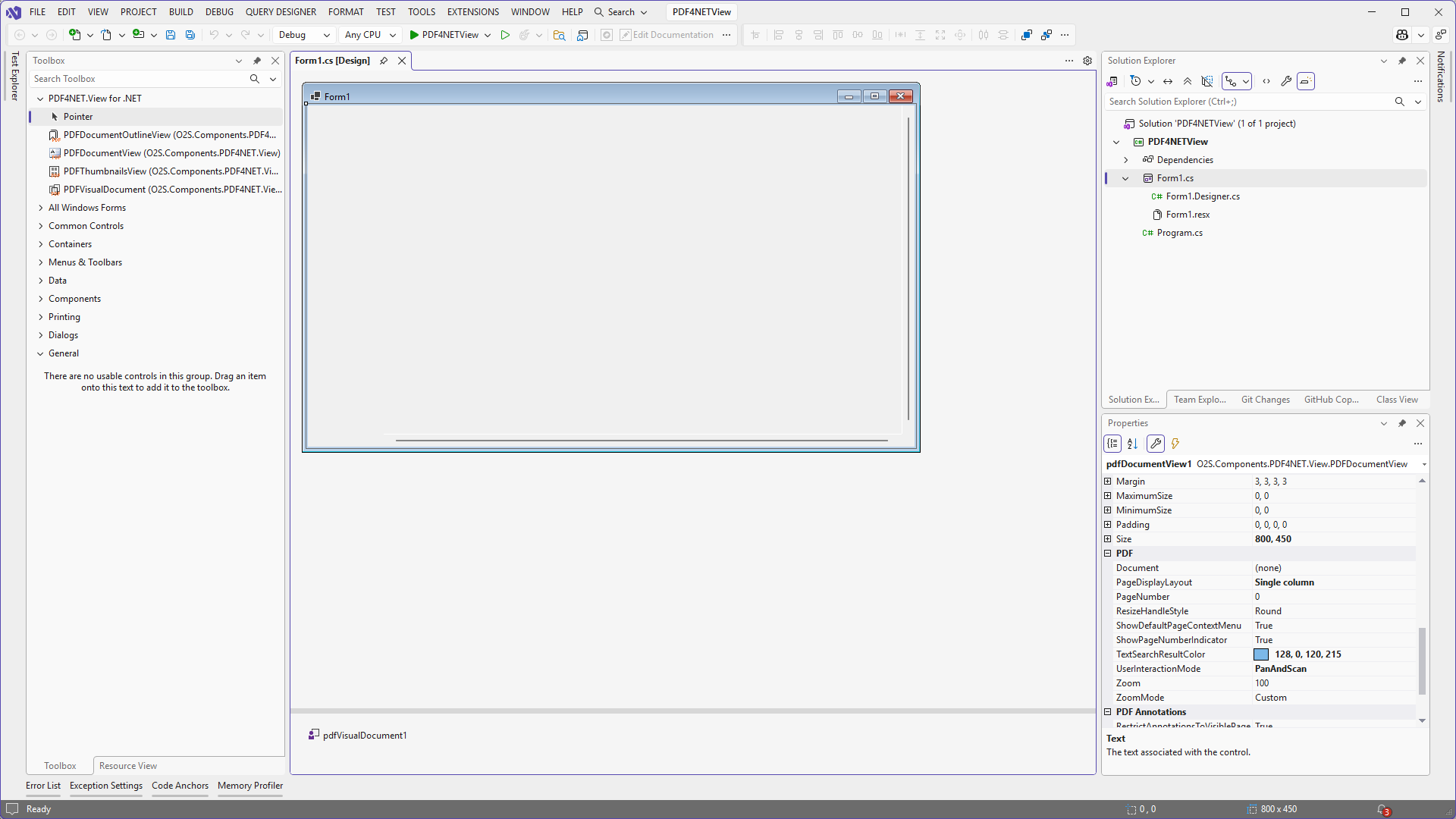
-
Set the
Documentproperty of thePDFDocumentViewcontrol to thePDFVisualDocumentobject added on the form.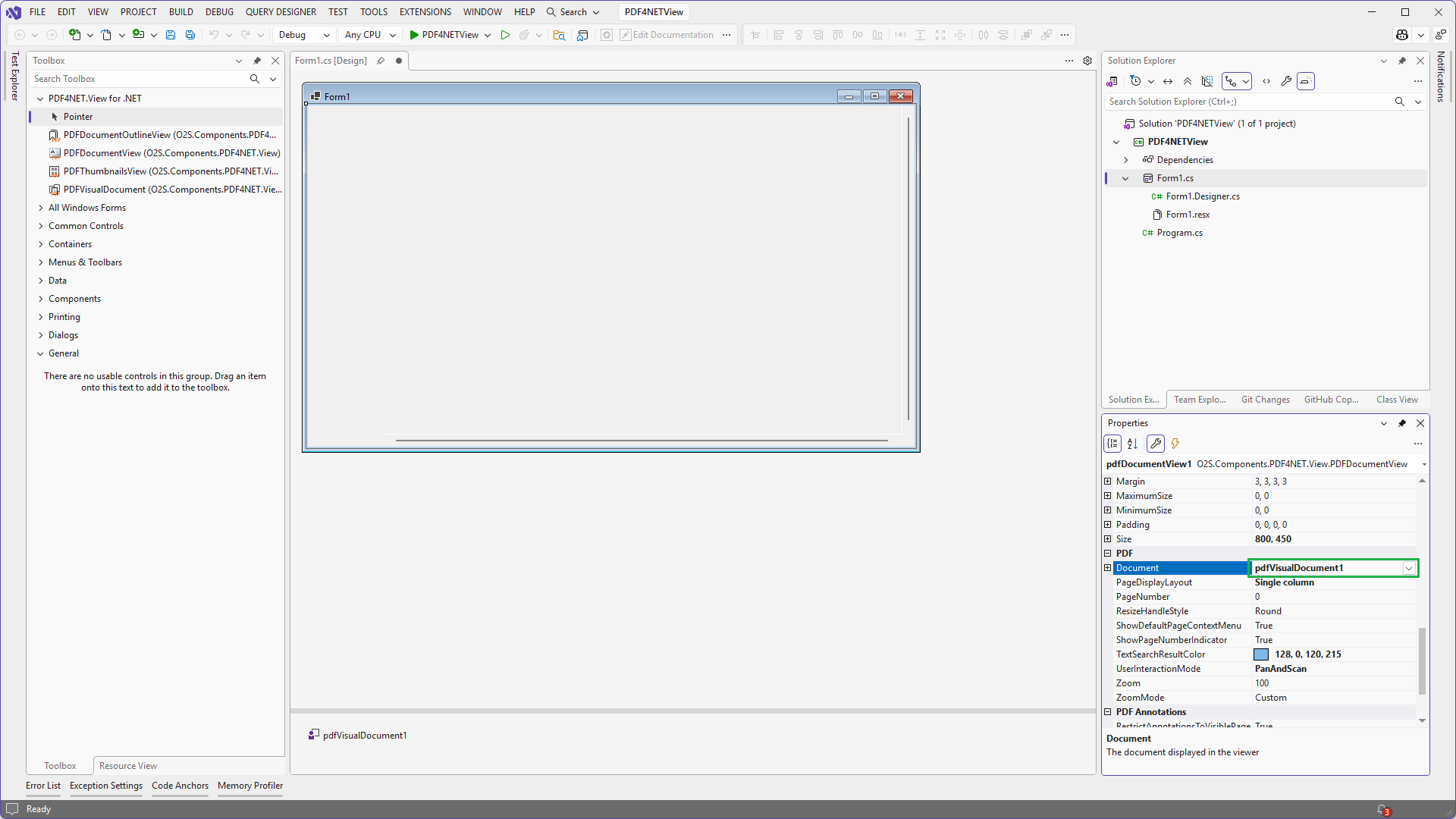
-
In form's
Loadevent add the following code: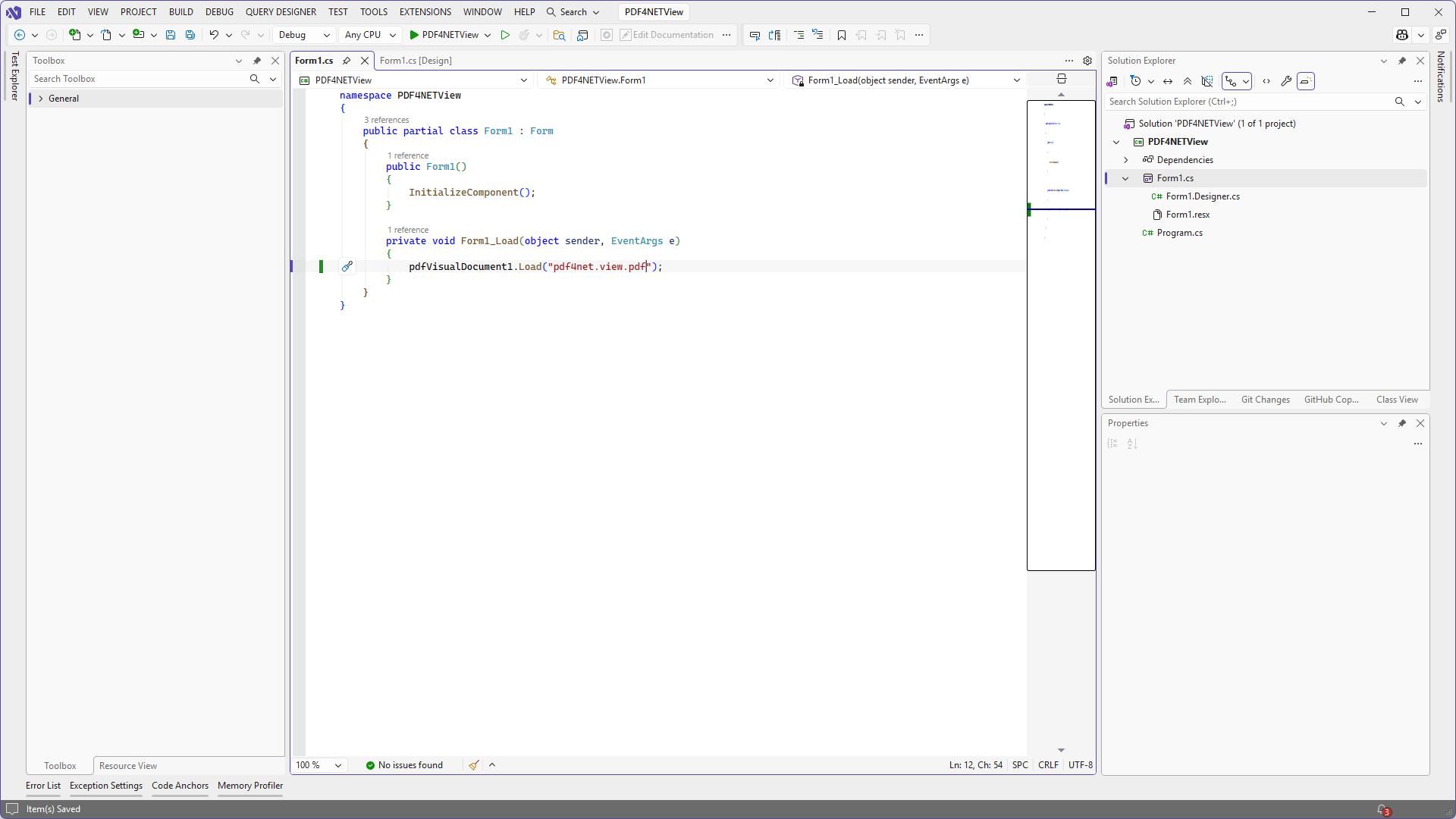
-
Run the application.
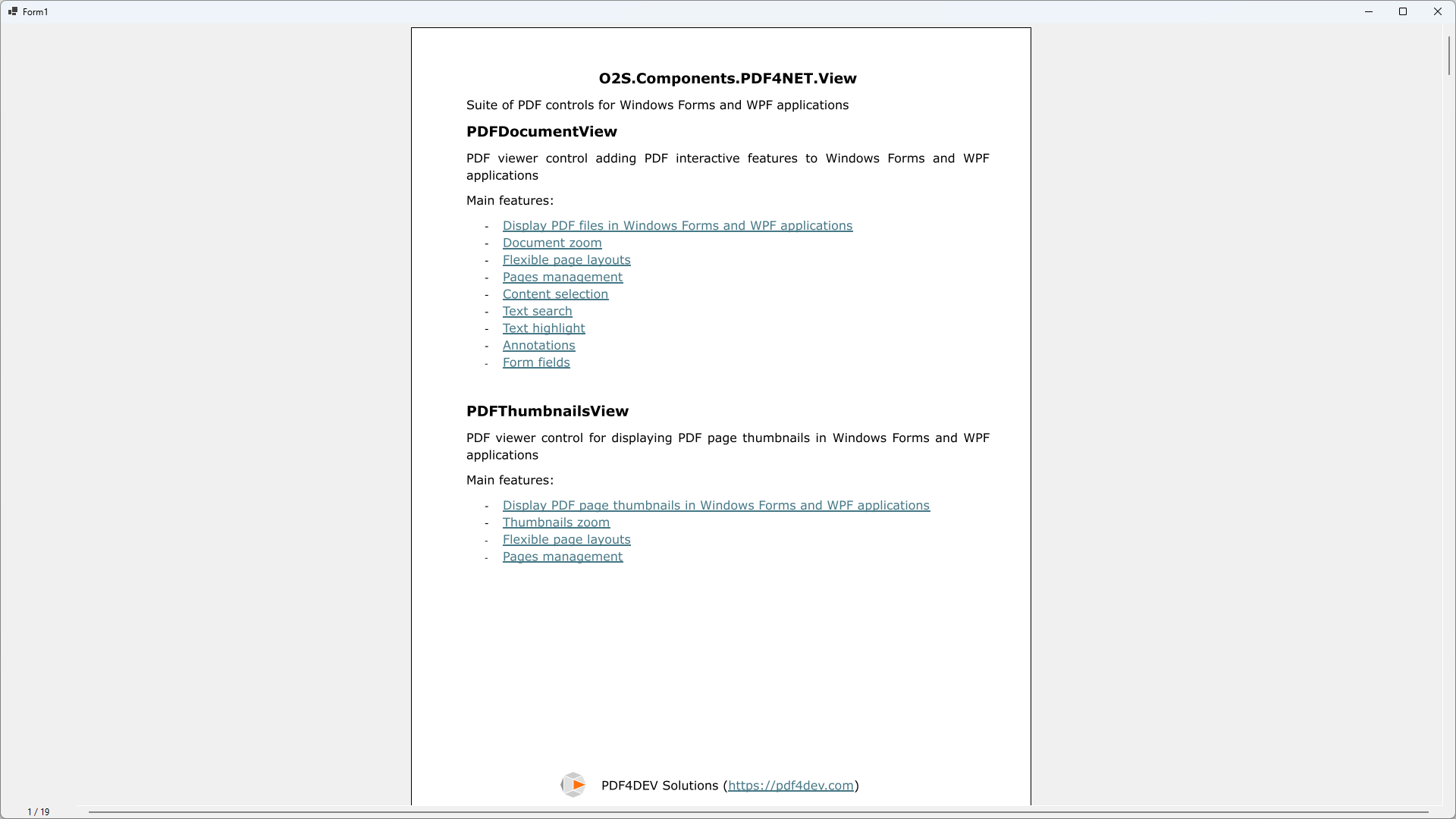
A more complex sample showing all the features of PDF4NET.View controls is available on GitHub:
https://github.com/pdf4dev-solutions/pdf4net/tree/master/Reference/View/WinForms
The PDF4NET.View suite of controls is included in the PDF4NET+Render licenses.